How to read Kindle eBooks on your computer for FREE
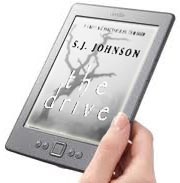 Get your FREE 'Kindle Reader' download for PC from Amazon right here!
As simple as 1, 2, 31.) Click the link on this page and download the application2.) Follow the instructions3.) Begin browsing through the HUGE selection of eBooks that are now available to you.YES, it is that easy!Just click the link and you will instantly have access to 1,000′s of Kindle eBooks in minutes. You can find many of your favorite authors for free , $ .99 and many more under $10 . There is a huge selection of eBooks available to you once you download and install the Kindle eReader, Including New Releases.
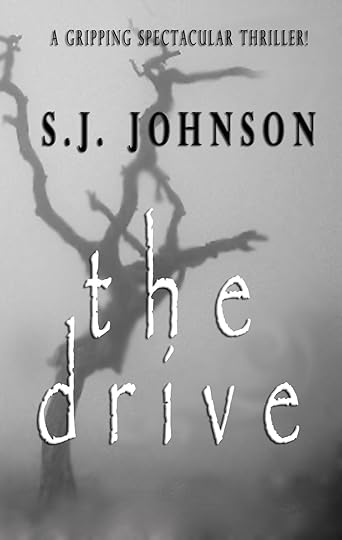
While you're at Amazon.com, please don't forget to get your copy of my new release, "The Drive" by S.J. Johnson. What's a 'Kindle'?It's an electronic reader, basically. You can download books, newspapers, and magazines and read them on this portable machine, kind of like you do on a computer. Buy e-books or subscriptions to the NY Times and read them all in one gadget.
They have tried to make it like a real book – you can "turn" the pages with a click, and the screen is supposed to look like paper.
What's a 'Kindle Reader' for PC?It's basically the same thing only it's a downloaded program for your desktop computer or your laptop. It gives you all the benefits of the Kindle device to read all forms of written materials without the extra expense of buying a 'Kindle' device.


No comments have been added yet.