Calculate Age from Given Birthdates | Advance Excel By Vaidhvik
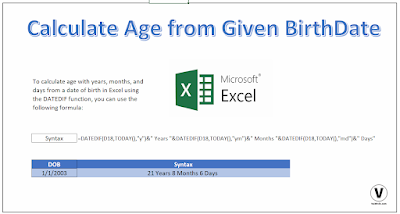
To calculate age with years, months, and days from a date of birth in Excel using the DATEDIF function, you can use the following formula:
=DATEDIF(B2, TODAY(), "y") & " years, " & DATEDIF(B2, TODAY(), "m") & " months, " & DATEDIF(B2, TODAY(), "d") & " days"
Replace B2 with the cell reference containing the date of birth.
Here's a breakdown of the formula:
DATEDIF(B2, TODAY(), "y"): Calculates the number of years between the date of birth and today's date.DATEDIF(B2, TODAY(), "m"): Calculates the nu...

No comments have been added yet.